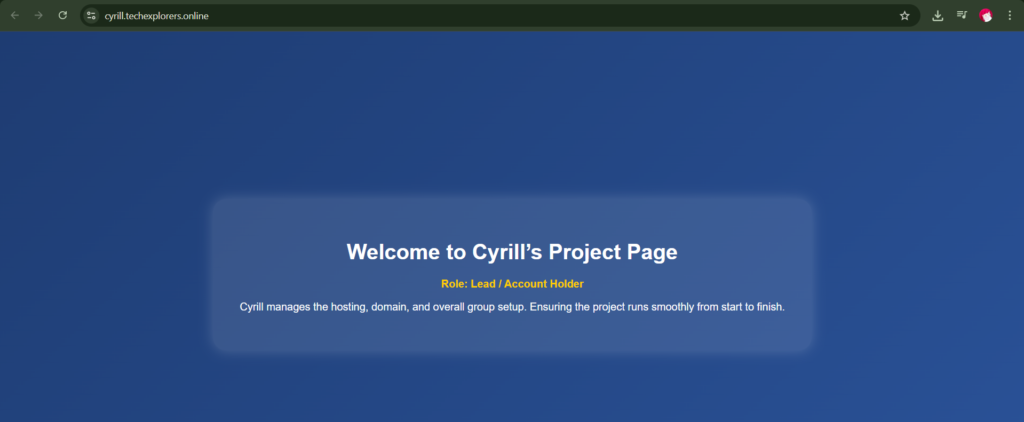
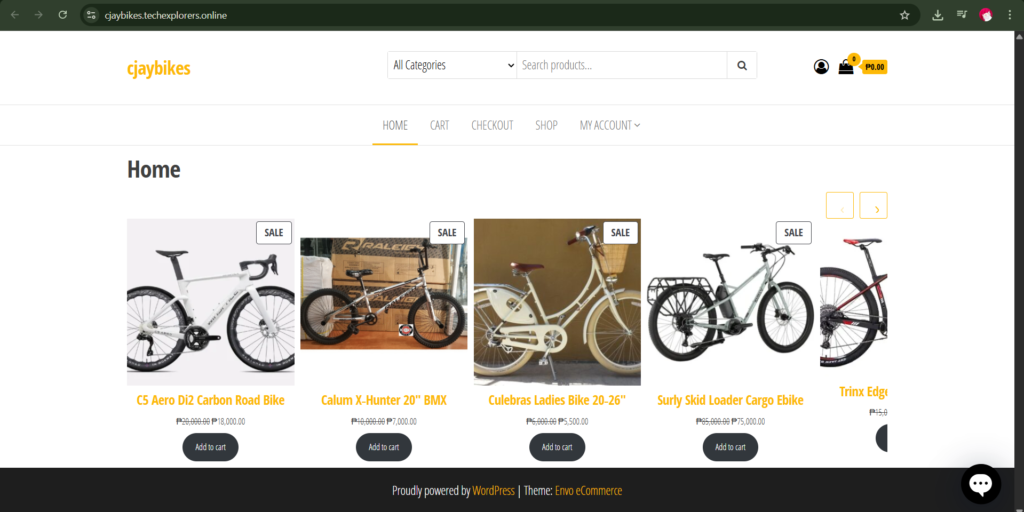
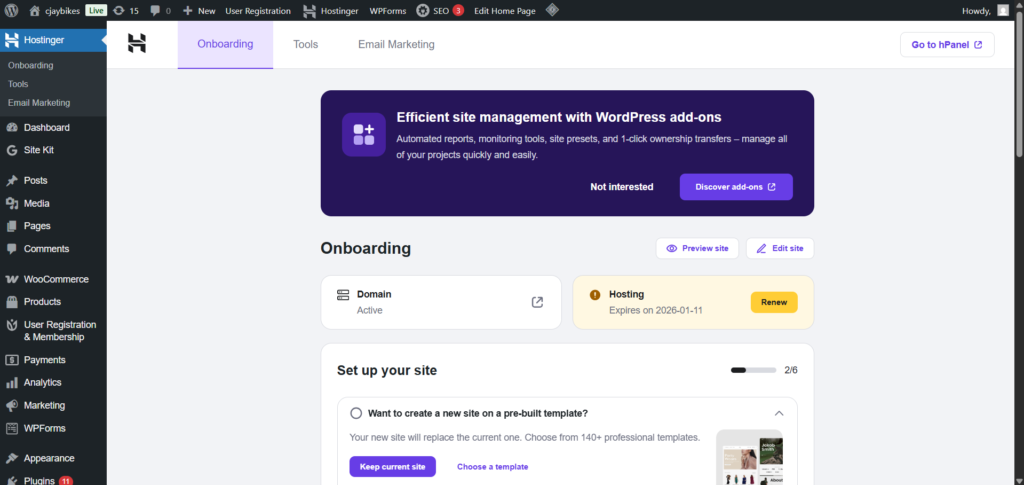
A dedicated page confirming the live URL, a screenshot of your Hostinger dashboard (domain/site section), and an explanation of the deployment process.
Explanation / What I Learned:
In this activity, I learned how to deploy a WordPress website using Hostinger. I configured my domain, installed WordPress through the Hostinger control panel, and connected it to my hosting account. After installation, I accessed the WordPress admin dashboard to customize the site, install themes and plugins, and publish my portfolio online. This activity helped me understand the process of making a website live and accessible to the public.